
Send a review request in seconds.
Finished a job? Open WhatsApp or your phone’s texts with your message ready, then tap Send. Your customer gets the link while the job is still fresh.
No ReviewPostie app or account needed by your customer.
- 01Add your Google review link
Find your business and connect its review page.
- 02Make the message yours
Write it once. Keep it ready for the next job.
- 03Send your first request
Enter a mobile number, check the message and open WhatsApp or your phone’s texts.
Invoice paid.
Review request sent.
Connect your accounting software once. When an invoice is paid, ReviewPostie can send your customer a Postie Text asking for a review.
For new, fully paid invoices with a UK mobile number. Each automatic request uses one Postie Text credit.
Send a review request when an invoice is paid.
- Message
- Your saved review request
- Sending hours
- 9am–7pm
Works with your accounting software



Turn a quick scan into a review.
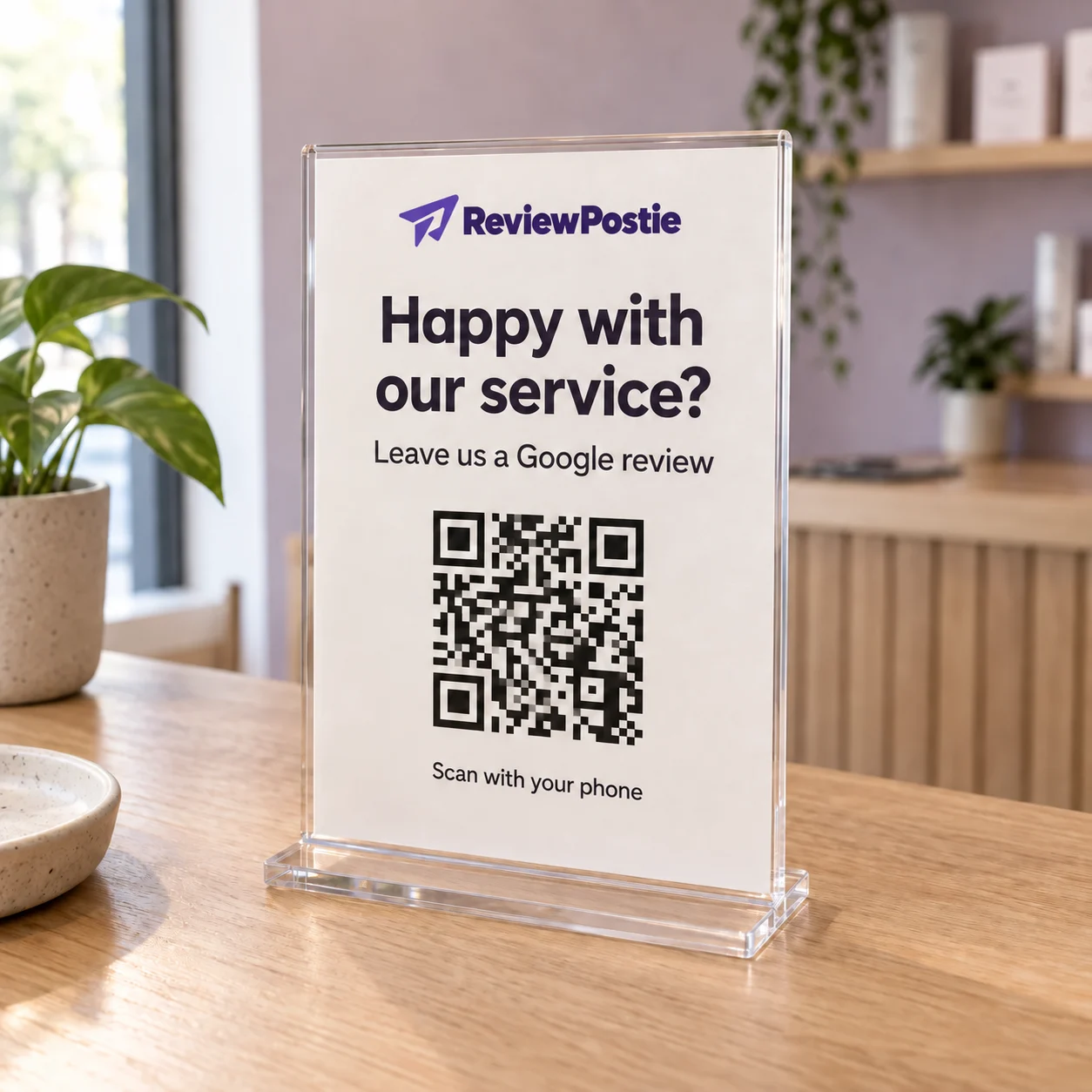
Put your QR code where customers will see it. They scan it with their phone to open your Google review page.
Download it for your counter, invoices, business cards or work van. The same code is ready to use again and again.
See what happens after you send.
Check which requests were sent and which links were opened. Your requests stay together, whether you sent them yourself or through your accounting software.
An opened link doesn’t confirm a review. Google doesn’t tell us who went on to post one.
Simple pricing.
Everything included.
Try it with your next few customers.
See how easily it fits your day.
14 days. Shared across WhatsApp, your own phone and Postie Texts. No card needed.
Unlimited WhatsApp and own-phone requests
No card needed · Cancel any time
Before you start.
Simple to set up.
Easy to make part of your day.
What is ReviewPostie?
ReviewPostie helps local businesses ask for Google reviews by WhatsApp, your own phone's texts or Postie Texts. Send requests yourself, or connect Xero, FreeAgent or QuickBooks Online to automate eligible paid-invoice requests. Check sent requests and link opens in one place.
Do I need a Google Business Profile?
Yes. Your reviews live on your Google Business Profile. Add its review link during setup, then use it for your requests and QR code.
How do I get started?
Create an account, add your business and Google review link, then save your message. Start with WhatsApp or your phone's texts. Add ReviewPostie to your home screen for easy access; sending yourself a test Postie Text is optional.
What does my customer receive?
Postie Texts show RPostie as the sender. Each message includes your Google review link and an opt-out link. Customers cannot reply to RPostie texts. For WhatsApp or your own phone, you review the prepared message and tap Send from your account or number. Customers do not need a ReviewPostie account or app. Google may ask them to sign in to leave a review.
Do I need accounting software?
No. You can send unlimited requests yourself from WhatsApp or your own phone and use your QR code without accounting software. Connect Xero, FreeAgent or QuickBooks Online if you want Postie Texts sent automatically after eligible paid invoices. You choose the delay and when to switch it on.
What is included in the free trial?
Try 20 review requests across WhatsApp, your own phone's texts and Postie Texts, for up to 14 days from signup. Verify your mobile once; no card needed. One free trial per mobile in 12 months. The £29 monthly paid plan includes unlimited personal WhatsApp and own-phone requests plus 200 Postie Text credits. Your usual mobile or data charges still apply.
Does an opened link mean a review was posted?
No. History shows when a link is opened. Google does not tell ReviewPostie whether that customer went on to leave a review.
Can I cancel?
Yes. You can cancel your subscription from Billing in your account. There is no long-term contract.
Turn good work into
more Google reviews.
Send your first review request today. Your 20 free requests are shared across channels.
Start free14-day free trial · 20 requests shared across channels · No card needed